top of page
FlowPath
A faster, more controlled way to animate along paths.
FlowPath is an After Effects tool designed for precise, path-based animation. It allows motion designers to animate objects along custom paths with full control over timing, spacing, and movement—without complex setups or manual keyframing.
Animate from
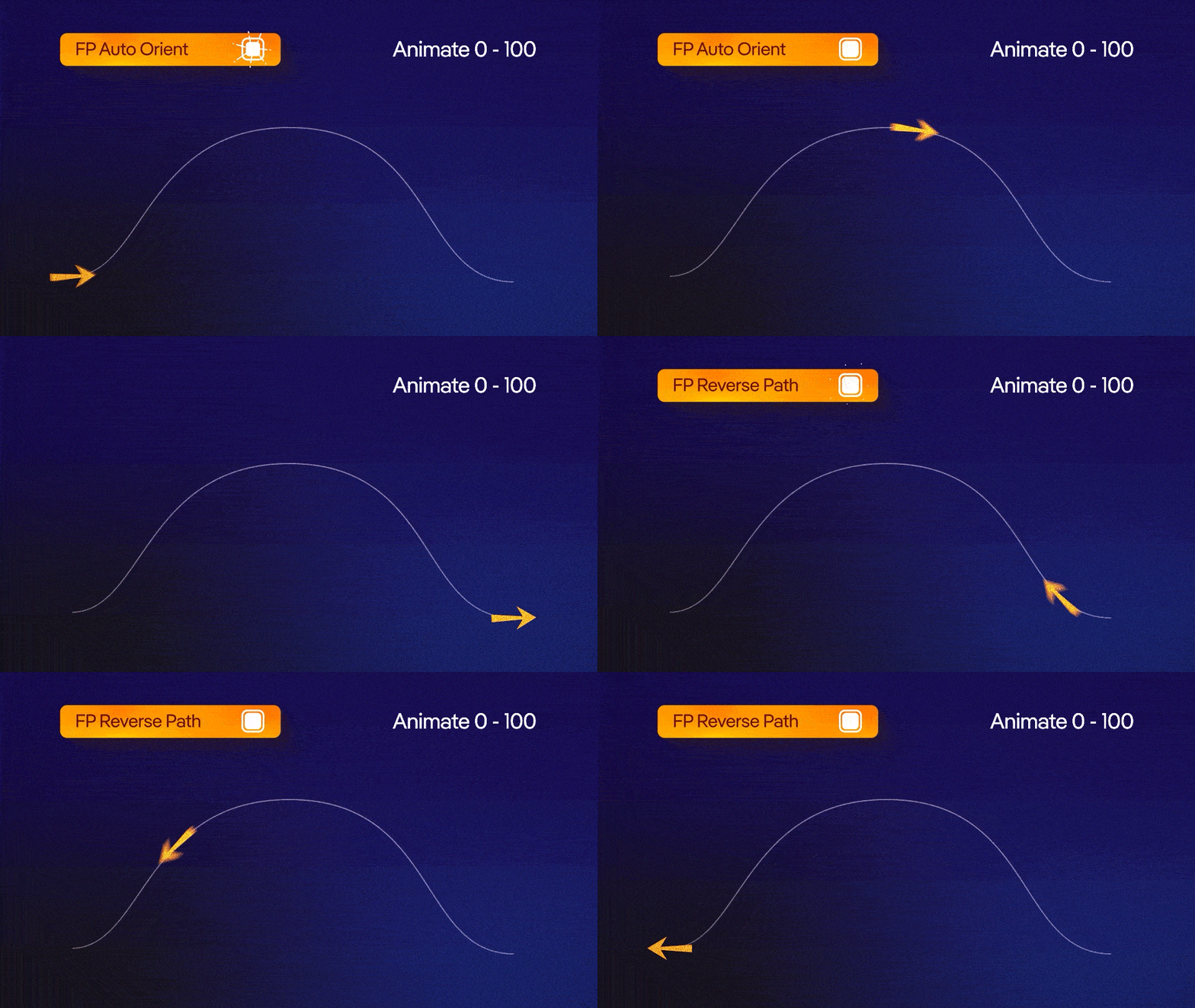
0–100 and Reverse
Animate motion progressively along a path from start to end using a simple 0–100 control.
Reverse instantly flips the animation direction, allowing quick back-and-forth motion without rebuilding paths or keyframes.
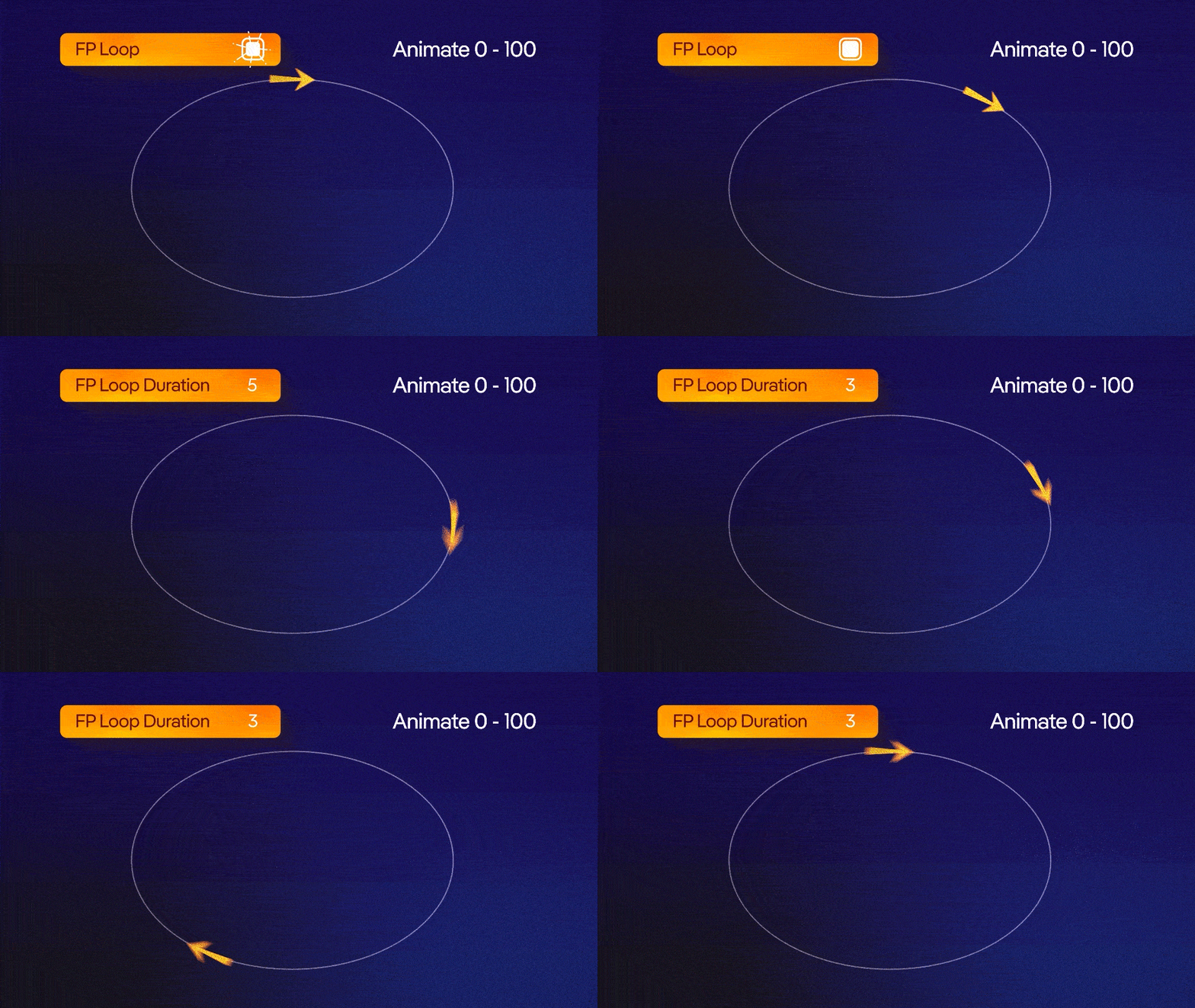
Loop animation
Create seamless looping motion along a path with automatic cycle handling.
Ideal for continuous animations, background motion, and repeating elements—without manually duplicating keyframes.
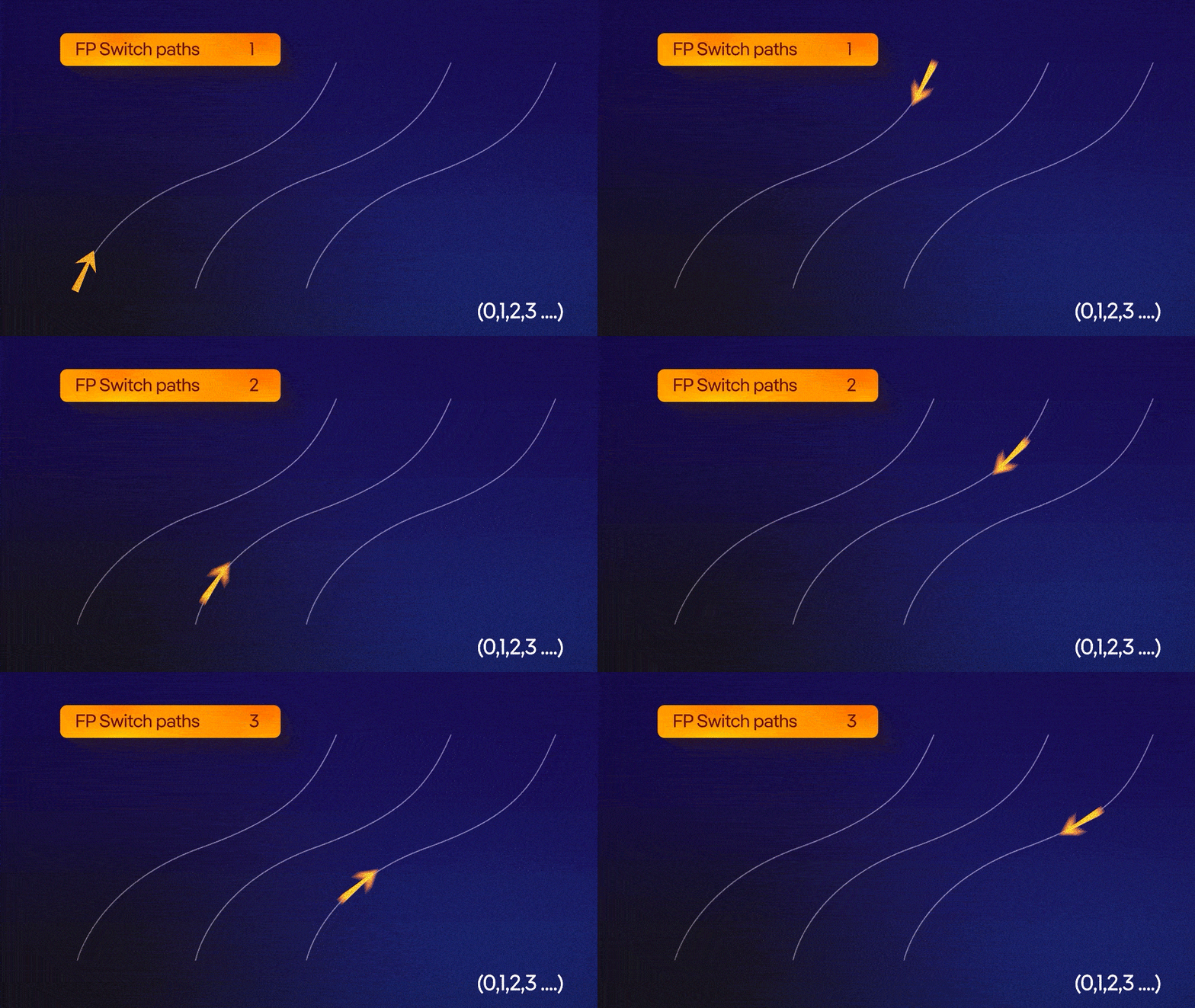
Switch Paths
Switch between multiple paths while preserving animation continuity.
Easily redirect motion without rebuilding keyframes, allowing quick variations and flexible animation changes.
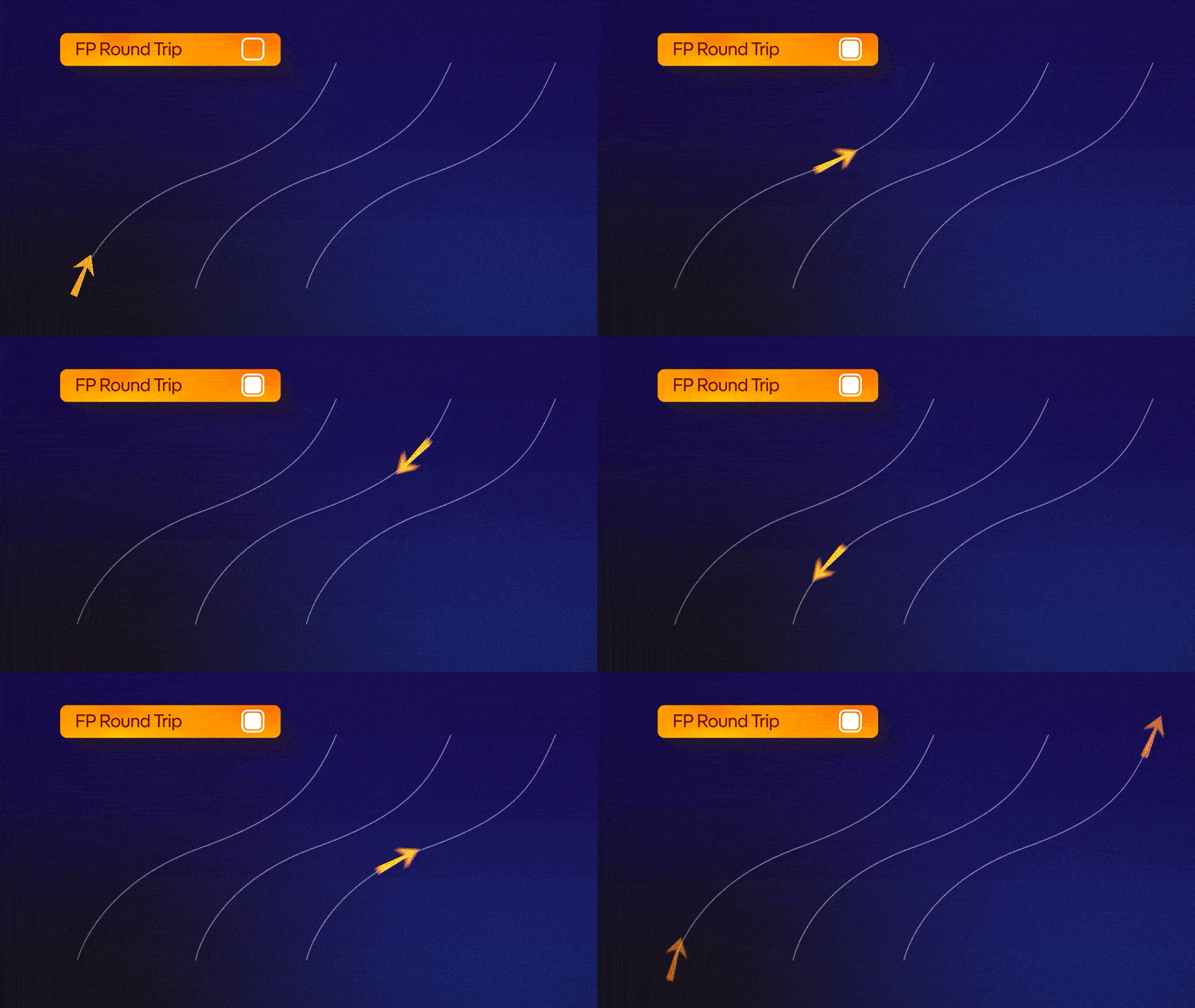
Roundtrip with Multi-Path
Animate seamlessly back and forth across multiple paths in a single continuous motion.
Ideal for complex flows and looping sequences where motion needs to travel across several paths without manual resets or keyframe duplication.
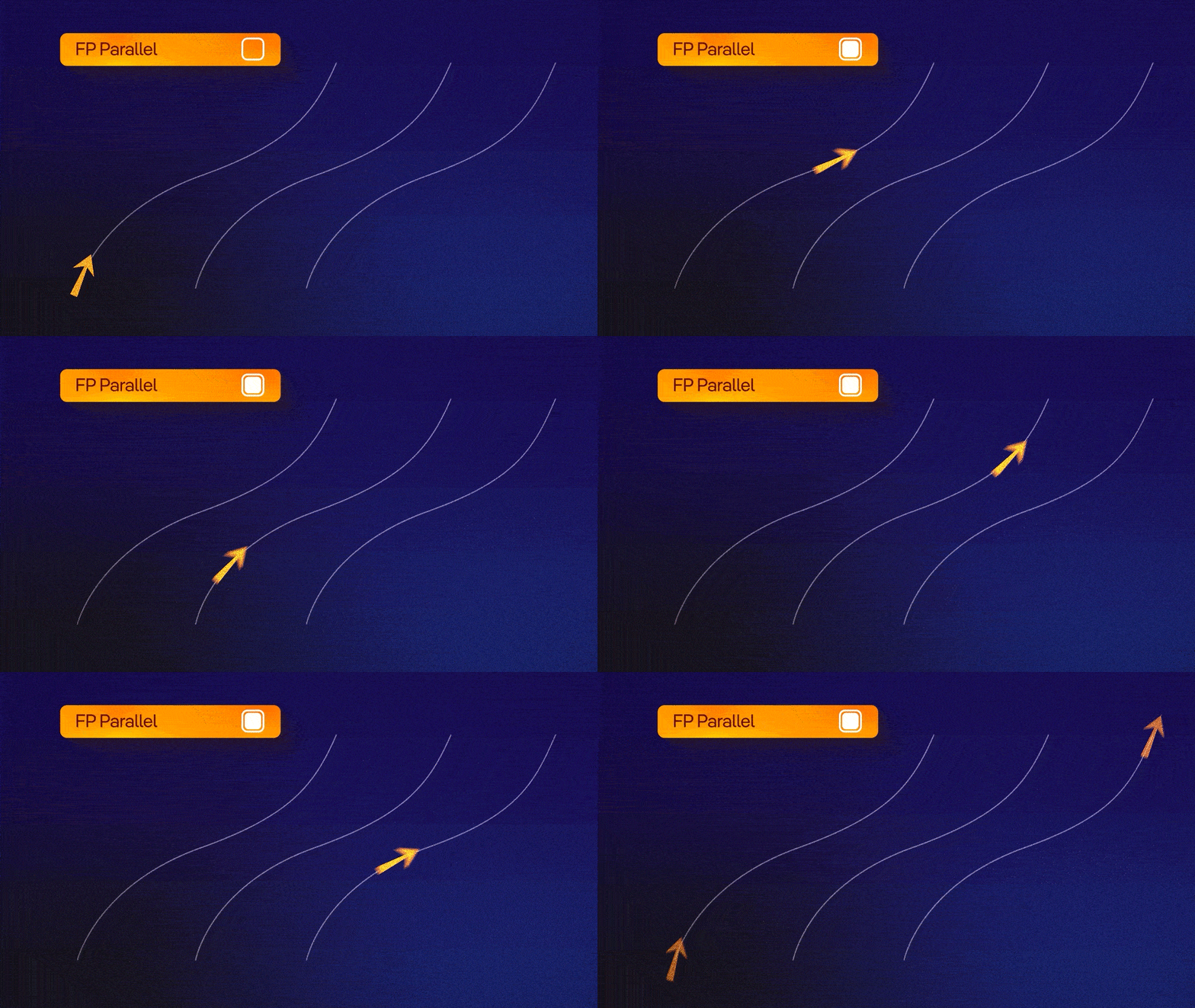
Parallel Motion
Animate multiple elements along the same path while maintaining consistent spacing and timing.
Perfect for layered motion, repeated elements, and synchronized animations without duplicating setups.
bottom of page